
Web Application Firewall
The Firewall is an ordered list of rules that run for every request matching a route in the project. Each rule has an expression and an action — block, log, or allow.
The Firewall page#
The Firewall tab lists every zone in the project (one per location), with its status, description, rule count, and a 24-hour match sparkline so you can see how busy each rule has been.
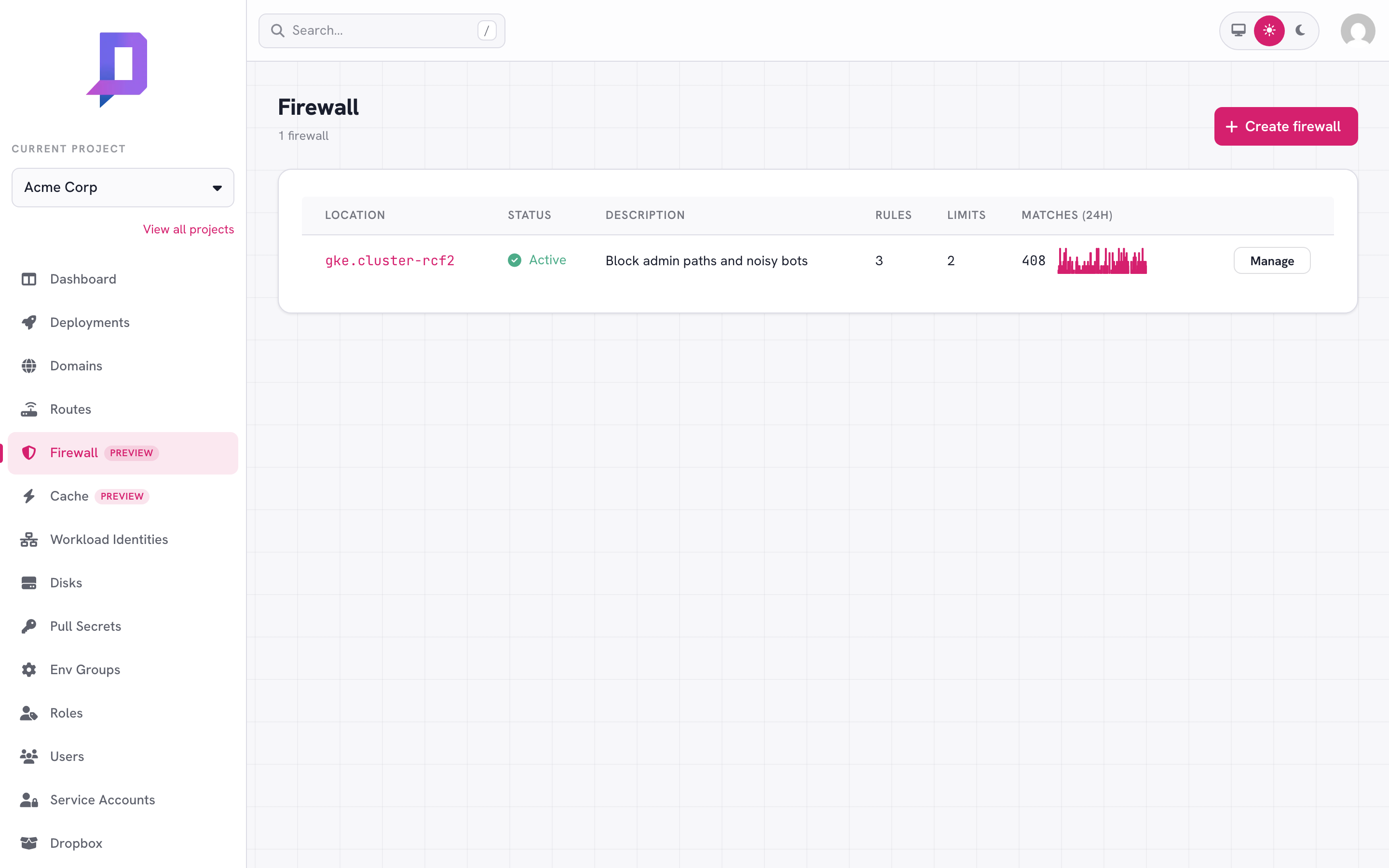
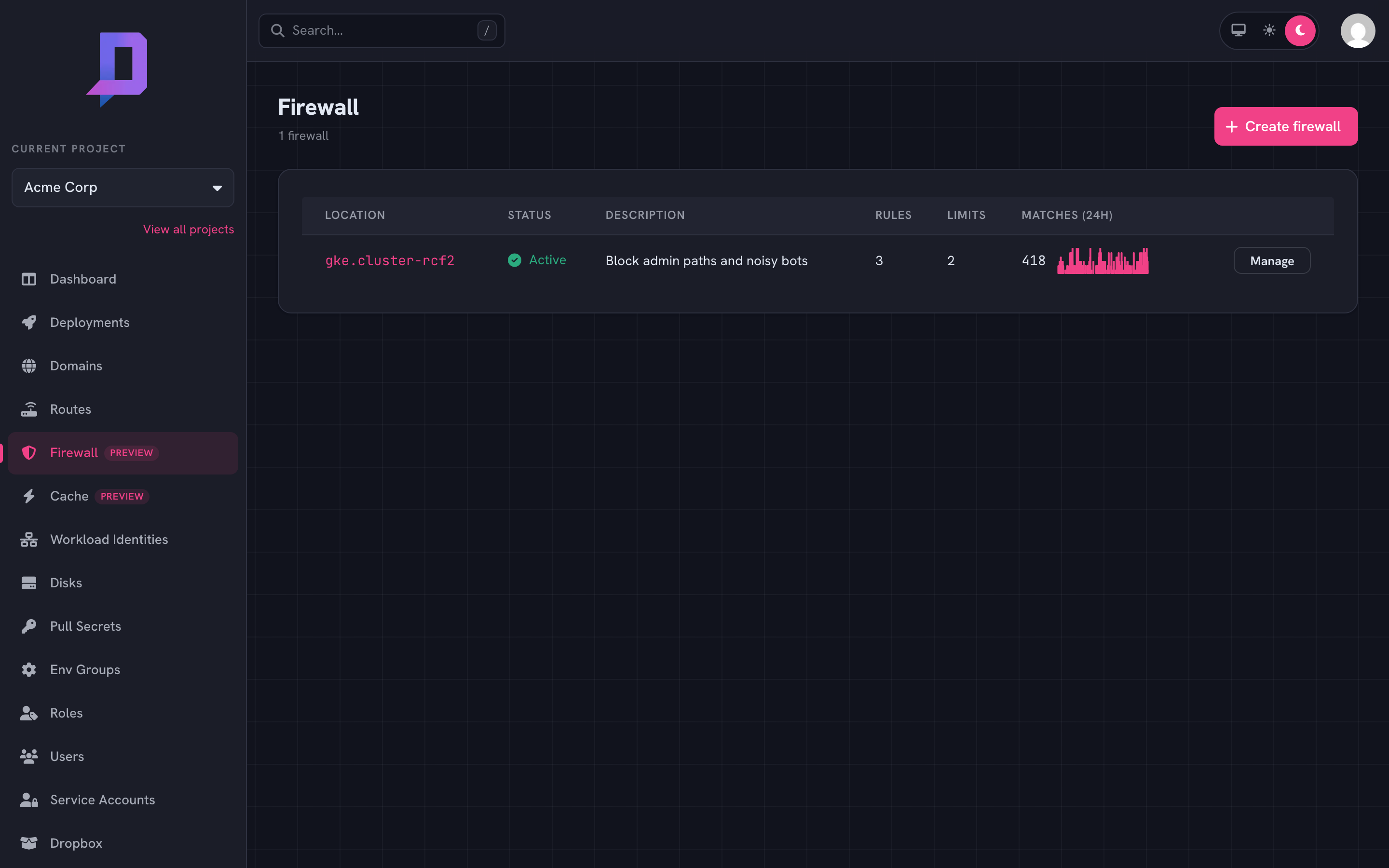
Click Manage to view, edit, and reorder the zone’s rules.
How rules work#
Rules evaluate in priority order — lowest priority number first. The first rule whose expression matches the request decides the outcome:
| Action | Effect |
|---|---|
block | Return the configured status (default 403) and stop. The request never reaches your deployment. |
log | Record a match in metrics and continue evaluating later rules. |
allow | Stop evaluating and forward the request to the deployment, bypassing later rules. |
A request that doesn’t match any rule is forwarded normally.
{
  "id": "block-admin",
  "description": "Block external access to /admin",
  "expression": "request.path.startsWith('/admin')",
  "action": "block",
  "status": 403,
  "message": "Forbidden",
  "priority": 10
}
The expression language#
Rule expressions are small boolean expressions over the request. Common references:
request.path— the URL path (string).request.method—GET,POST, …request.ip— the client IP as seen by the gateway.request.headers['name']— a header value (string), lowercased name.request.host— the request hostname.
Operators: ==, !=, &&, ||, !, plus the string helpers
.startsWith(s), .endsWith(s), and .contains(s).
request.path.startsWith('/admin')
request.headers['user-agent'].contains('bot')
request.ip == '203.0.113.7'
request.path.endsWith('.php') && !request.headers['x-internal'].contains('yes')
Patterns#
Always allow your own egress IPs. Stick an allow rule with low priority
at the top of the zone so good traffic short-circuits the rest of the rules.
priority 10 — allow — request.ip == '203.0.113.7'
priority 50 — block — request.path.startsWith('/admin')
priority 90 — log   — request.headers['user-agent'].contains('bot')
Roll out new blocks safely. Add a rule as log first, watch the matches
on the metrics page for a day, then flip it to block once you’ve confirmed
it’s catching what you expect (and not what you don’t).
Rate limiting#
Alongside the block/log/allow rules, a zone can carry rate limits — counters that reject (or just watch) traffic arriving faster than a threshold. Limits are independent of the rules: they’re evaluated for every request the zone covers, so a request that passes every rule can still be rejected by a limit.
A limit sorts requests into buckets and rejects a bucket once it exceeds
rate requests per window. What defines a bucket is the key:
| Key | One bucket per |
|---|---|
ip | client IP (the default) |
host | request hostname |
asn | client network (autonomous system number) |
country | client country |
header:<name> | value of a request header |
cookie:<name> | value of a cookie |
List several to bucket on the combination — ["ip", "host"] limits each IP
per host. With no key the limit defaults to ["ip"].
Limits live on the same zone as the rules. Set them with waf.set, in a
limits array next to rules — and, like the rules, waf.set replaces the
whole zone, so send the full limits list every time:
"limits": [
  {
    "description": "100 req/min per IP",
    "key": ["ip"],
    "rate": 100,
    "window": "1m"
  },
  {
    "description": "Throttle login to slow credential stuffing",
    "key": ["ip"],
    "rate": 5,
    "window": "1m",
    "filter": "request.path == '/login' && request.method == 'POST'",
    "status": 429,
    "message": "Too many attempts — slow down."
  }
]
Each limit understands:
| Field | Meaning | |
|---|---|---|
rate | required | Max requests per window per bucket (> 0). |
window | required | Go duration, 1s–1h (e.g. 30s, 1m, 1h). |
key | optional | Bucket characteristics (above); default ["ip"]. |
algorithm | optional | fixed (default) fixed window, or sliding for a smoother rolling window. |
mode | optional | enforce (default) rejects; shadow only counts — see below. |
status | optional | Response status when limited: 429 (default) or 503. |
message | optional | Response body when limited (default Too Many Requests). |
filter | optional | A CEL expression (the same request.* surface as rule expressions) scoping the limit to matching requests; empty means every request. A filter that errors at runtime fails open — the limit is skipped — so a bad filter can’t reject good traffic. |
A zone holds up to 20 limits.
Size a limit in shadow mode first. Set "mode": "shadow" and the limit
counts matches without rejecting anything. Watch the limited share on the metrics
page for a day or two, confirm the threshold only catches abuse, then flip it to
enforce. It’s the rate-limit equivalent of rolling out a rule as log before
block.
Metrics#
The Firewall metrics page plots matches per (rule, action) over a selectable window — 1h, 6h, 12h, 1d, 7d, 30d — so you can see which rules are hot and catch rule changes that suddenly start matching production traffic.
The same data is available via the API:
curl https://api.deploys.app/waf.metrics \
  -H "Authorization: Bearer $DEPLOYS_TOKEN" \
  -d '{ "project": "acme", "location": "gke.cluster-rcf2",
        "timeRange": "1d" }'
Rate limits have their own series via waf.limitMetrics, returned per
(limit, result) where result is allowed or limited. Charting the limited
share — limited / (allowed + limited) — is how you size a shadow limit
before enforcing it.
curl https://api.deploys.app/waf.limitMetrics \
  -H "Authorization: Bearer $DEPLOYS_TOKEN" \
  -d '{ "project": "acme", "location": "gke.cluster-rcf2",
        "timeRange": "1d" }'